.png)
Adding Facebook Pixel & Google Tag Manager (Ad Tracking)
Want to connect Reader Meter to your ads? Easy.
Steps:
In your dashboard, go to Settings → Pixels.
Paste your Facebook Pixel ID or Google Tag Manager ID.
To create a Meta/Facebook Pixel:
-
Go to Facebook Events Manager.
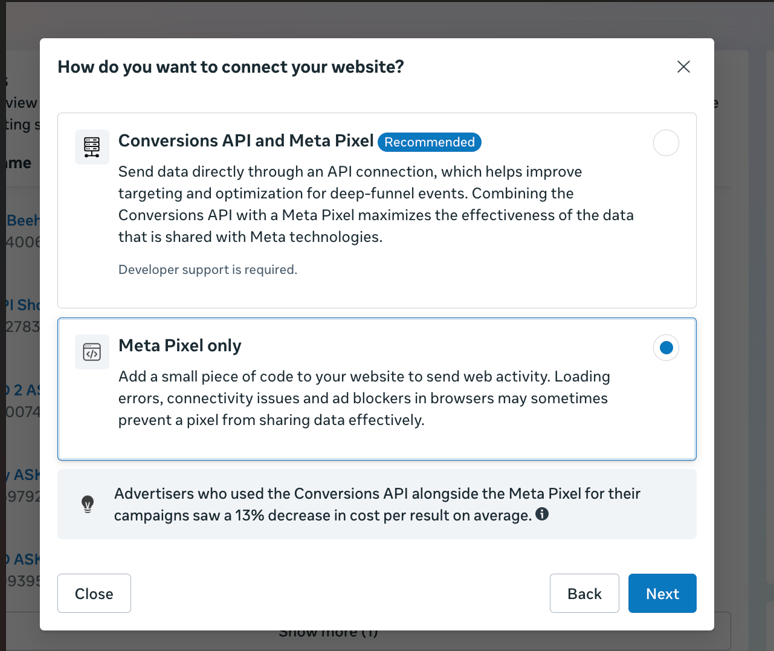
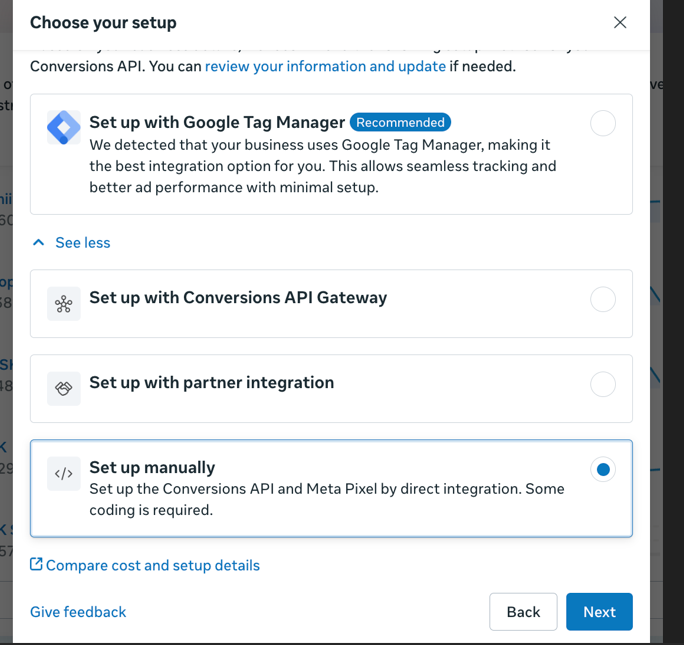
Click Create Pixel → Manual Setup.
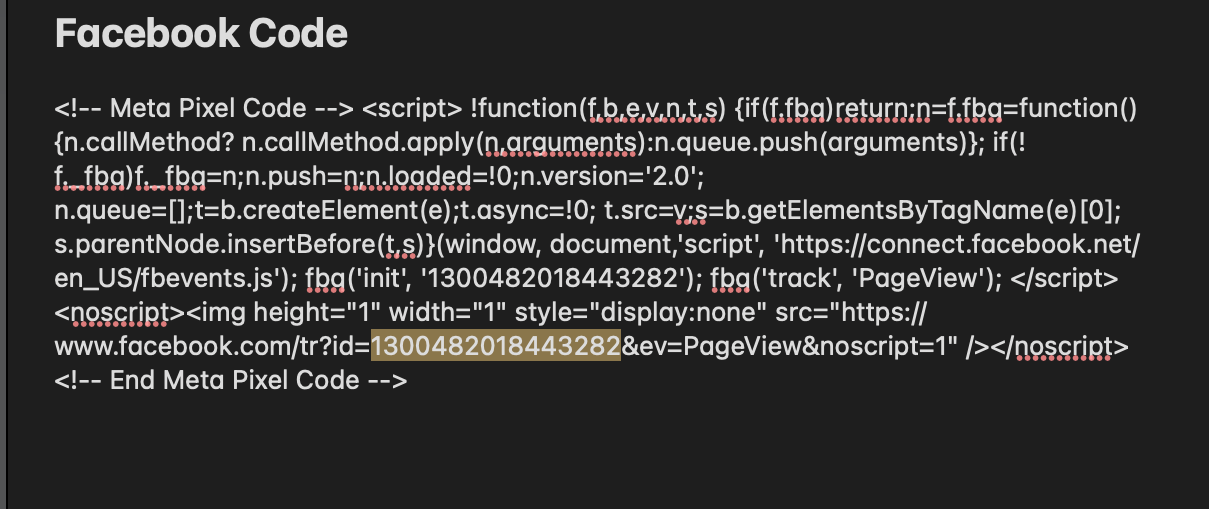
Copy the Pixel ID.
Back in Reader Meter, paste it and save.
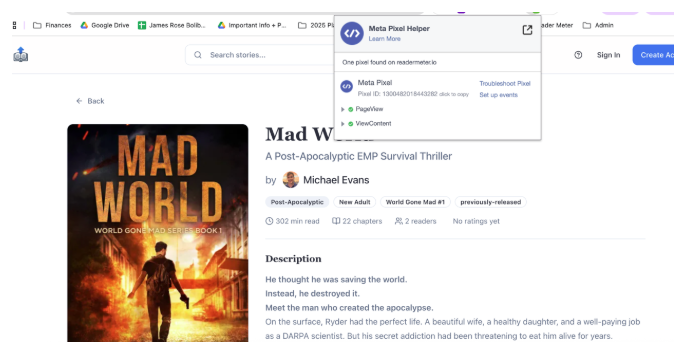
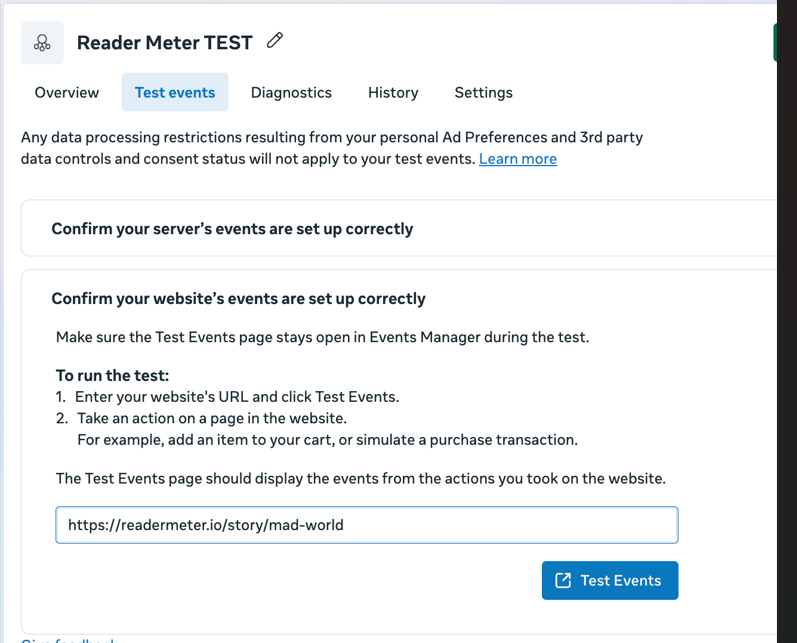
Test in Events Manager to confirm PageView and Purchase events are firing.