.png)
Publishing Your Story (Public vs Private + Scheduling)
You control how and when your story goes live.
Steps:
- In Story → Publishing Settings, choose:
- Public: Available in the Reader Meter directory.
- Private: Only accessible via direct link.
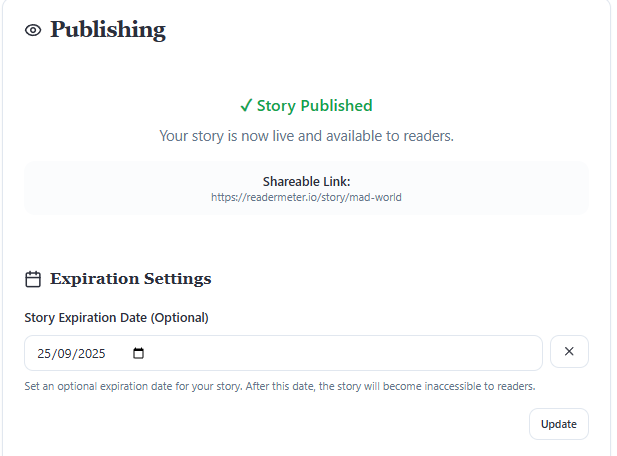
(Optional) Set an Expiration Date if you want your story available only for a set period.
Click Publish → confirm.
