.png)
Adding Delegates (Assistants or Co-Authors)
For authors: share the workload without sharing your login.
Steps:
Open Settings → Delegates.

Click Invite Delegate → enter their email.
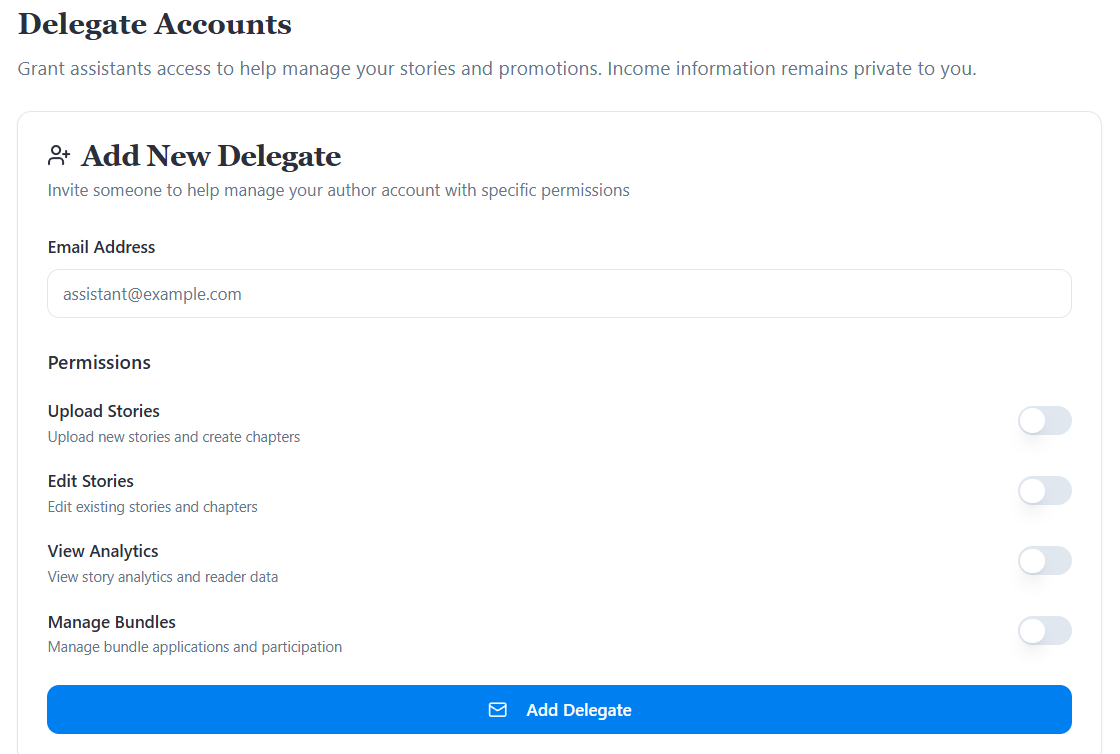
Select permissions (upload stories, view analytics, manage bundles, etc.).
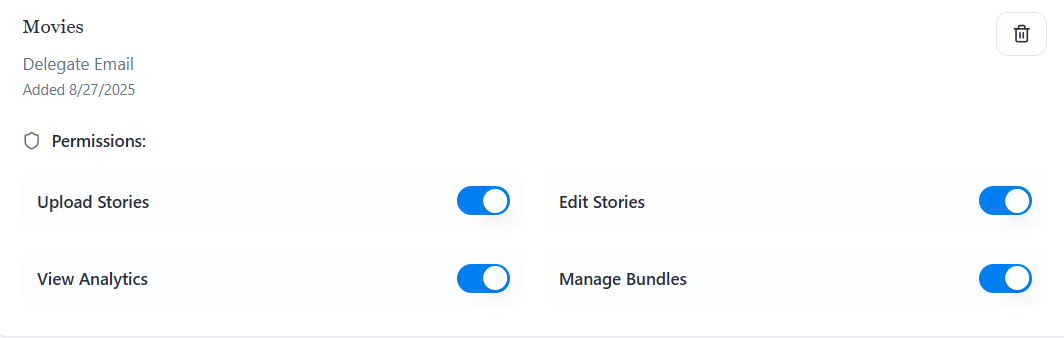
They’ll receive an invite email to accept.
Whether you’re co-writing or have an assistant, Reader Meter lets you collaborate safely.